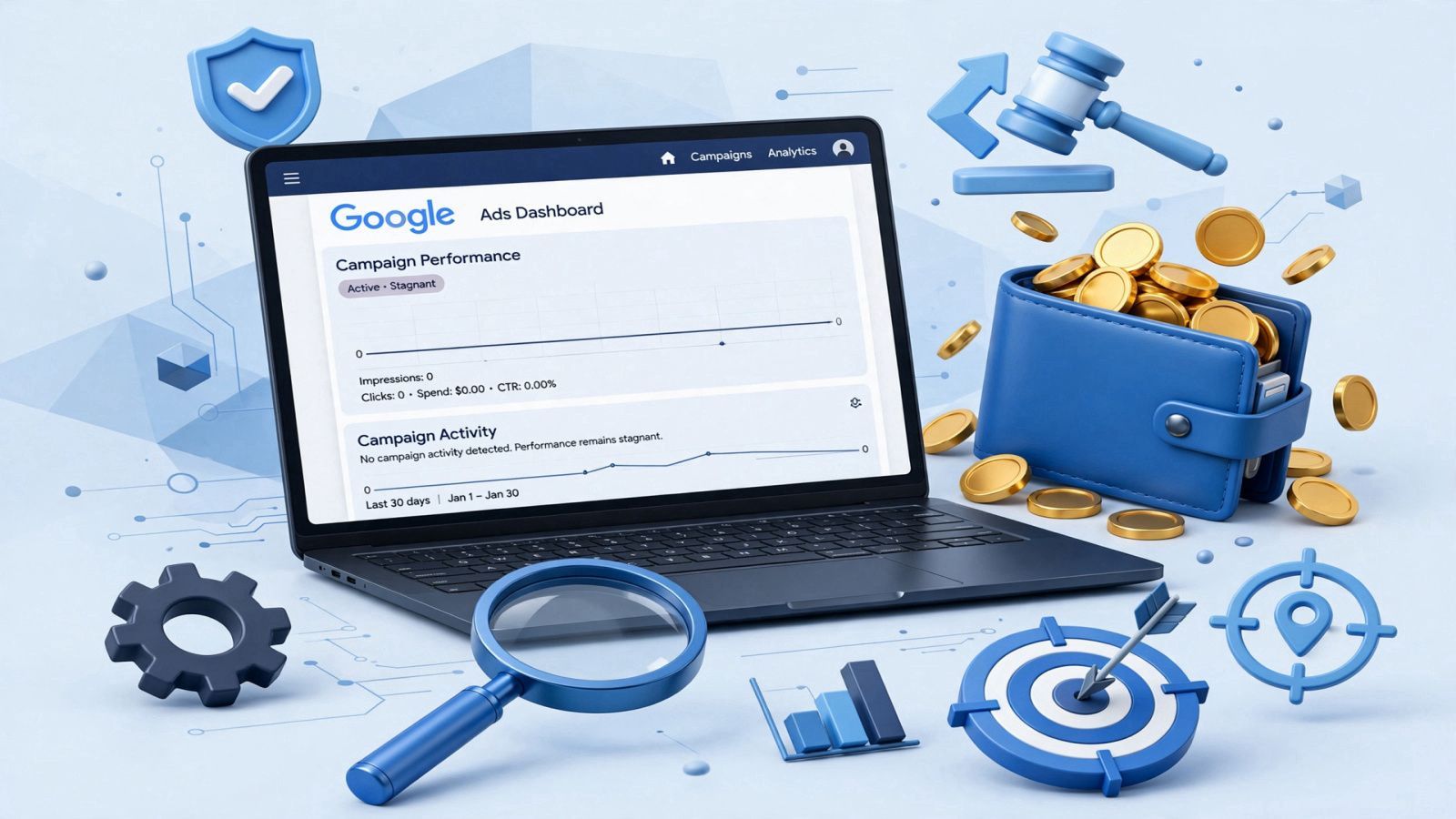
A familiar situation: the account budget is there, all verifications are passed, the campaign status glows green (“Active”), but there are no impressions or clicks at all. The budget is stuck at zero, and traffic is not coming in.
This is one of the most frequent problems media buyers and affiliates face when launching new campaigns or after transferring accounts. According to official Google Ads help (support.google.com), the reasons can lie in various factors—from hidden reviews to incorrect auction settings.Based on our team’s practical experience, let’s break down the main reasons for the lack of impressions and share our working tests that helped get campaigns moving off dead center.
1. Main Reasons for Lack of Impressions in Google Ads
Before panicking and completely recreating the campaign, you should check the basic technical blocks that often block the start of delivery.
Account or Ad Review
- Even if the campaign status is active, the ads themselves or extensions may be undergoing additional manual or algorithmic reviews. In some verticals, ads can get stuck in the “Under review” status longer than usual, while the system does not always report this visually.
Billing Issues
- Billing problems are the second most popular reason. If the bank declined the payment, the hold status changed, or payment profiles require verification, Google automatically pauses ad delivery until financial issues are resolved.
Low Bids and Limited Budget
- If you set the maximum cost-per-click (CPC) or daily budget too low, the algorithm simply cannot win the auction against competitors. Your ad doesn’t even make it to the search results page.
Narrow Settings or Low Keyword Demand
- Too strict geo-targeting restrictions (e.g., a specific small city), a narrow audience, or using low-search-volume keywords at launch result in the system finding no search queries matching your parameters.
Unsuitable Bidding Strategy for Launch
- Launching a new campaign from scratch on “Maximize conversions” or “Target CPA” strategies without accumulated historical data often causes the algorithm to “freeze” impressions while trying to figure out who to show the ads to.
2. Our Team’s Practical Observations: What We Tested During Zero Spend
When standard checks yield no results, we apply several working approaches in practice. It is important to emphasize: this is exclusively our team’s experience, not official Google recommendations, and certainly not a guarantee of a 100% result.
- The “Account Freeze” Effect: In our practice, it often happens that after a launch, the campaign seems to hang for 3–5 days. For no apparent reason, delivery doesn’t start, and then suddenly begins. Sometimes algorithms require a technological pause to synchronize billing, geo, and internal security checks. (Note: “Freeze” is our working term, not an official Google status. We do not claim everyone must wait 3-5 days or that duplication guarantees a solution).
- Creating a Campaign Duplicate: If there are no impressions for several days, we often test creating an exact copy of the campaign. In some cases, this helps “re-trigger” the traffic distribution algorithm.
- Launching a White Hat Offer with Manual CPC: To get an account out of a stupor, we sometimes temporarily switch it to a clean white hat offer with manual bidding (Manual CPC).
- Raising CPC Above the Market: Setting the maximum cost-per-click higher than the auction average for selected keywords gives the system an incentive to win the first auctions. Nuance: this method requires strict budget control, as a high bid can quickly burn funds at launch if the campaign is not adjusted in time.
In our tests, this set of actions often helped “shake up” a stubborn account and secure the first impressions.
3. What Official Google Help Says
Official Google guidelines (support.google.com) confirm that the lack of impressions can be related to:
- Ad Review Status: algorithms may restrict display until compliance with policies is verified.
- Targeting and Budget Settings: mismatch between geography, language, and budget limits versus actual market capacity.
- Auction Competition: when the proposed bid is lower than the auction entry threshold.
4. Quick Diagnostic Checklist: Where to Start
If your account is not spending its budget, go through this list:
- Check notifications at the top of the Google Ads interface (to rule out billing or policy warnings).
- Ensure keywords have sufficient search volume (using the Keyword Planner tool).
- Check if your geo-targeting is too narrow.
- Try temporarily expanding the budget or raising bids to test the auction.