Working with Google Ads in traffic arbitrage and affiliate marketing has long turned into an engineering task. Scaling advertising campaigns requires managing dozens or even hundreds of accounts, each of which must look to Google’s algorithms like a separate, real user operating from a unique device.
In this article, based on our team’s practical experience, we will break down the differences between basic masking tools, how to build a secure infrastructure, and why no software can provide a 100% guarantee against bans.
1. Difference Between VPN, Proxy, and Antidetect Browser
The biggest mistake beginners make is confusing the purpose of these tools or trying to replace one with another. In practice, they solve completely different tasks:
- VPN (Virtual Private Network): Encrypts all device internet traffic and changes your IP address at the operating system level.
- Feature: VPN services typically use shared IP addresses utilized by thousands of other people. If someone sharing your IP pool violates Google’s rules, everyone logging in from that address gets caught in the crossfire.
- Proxy: An intermediate server that changes the IP address and geolocation only for a specific application or browser (unlike a VPN, which affects the entire device).
- Feature: For media buyers, Mobile Proxies or Residential Proxies are critical. They look to security systems like regular home users or mobile network subscribers, unlike Datacenter IPs, which are easily flagged.
- Antidetect Browser: Specialized software that allows you to create isolated browser profiles. Each profile has unique digital fingerprints: Canvas, WebGL, Audio, fonts, screen resolution, User-Agent, operating system, etc.
- Feature: An antidetect browser does not change your IP by itself—a separate proxy must be linked to each profile. This creates the illusion that every browser profile represents an entirely unique physical device with a unique network connection.
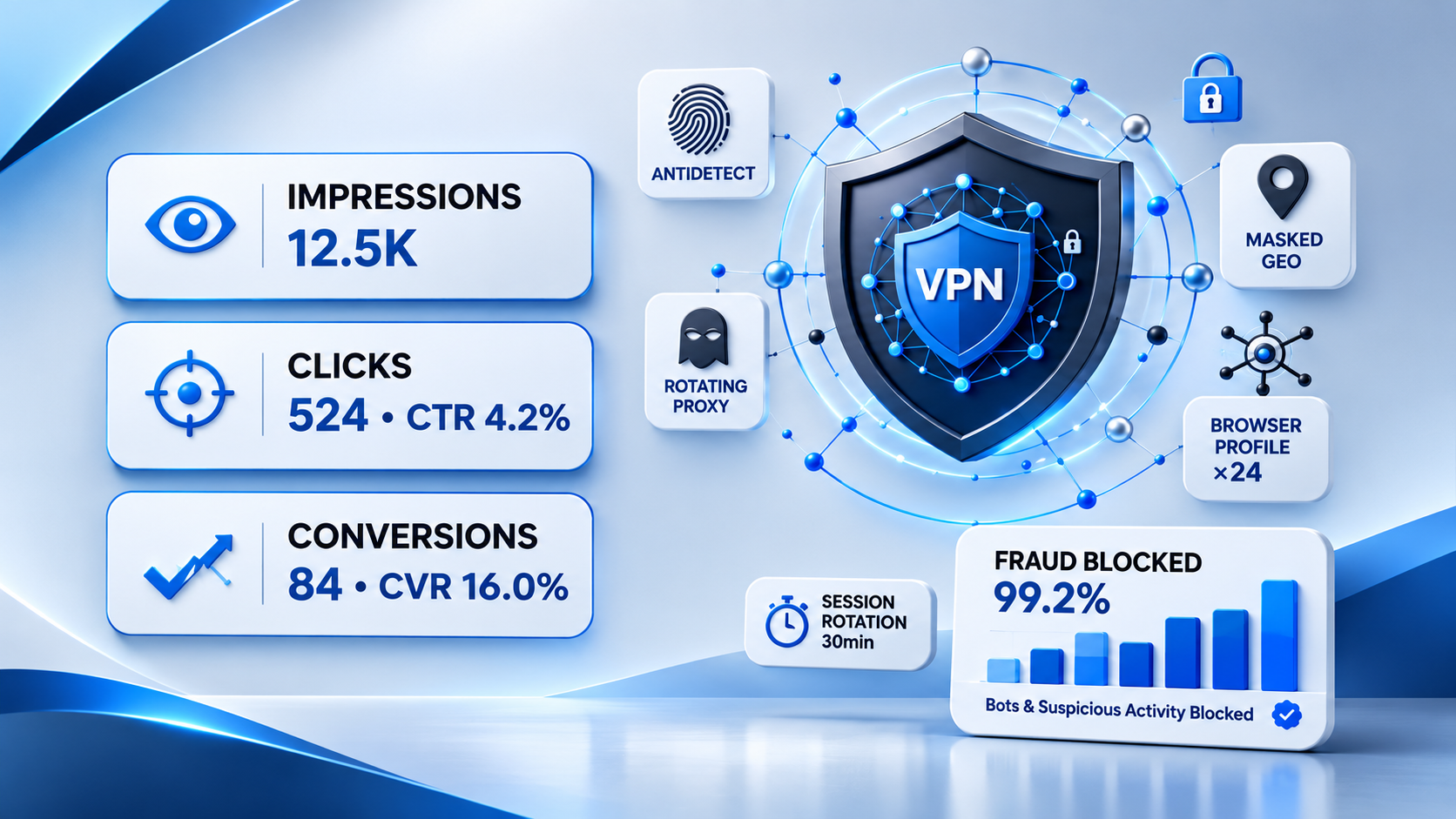
Secure traffic, stronger results. VPN protection blocks suspicious activity while supporting campaign performance.
2. Why Media Buyers and Teams Use These Tools
Under real media buying conditions, working from a single computer and a standard browser is impossible for several reasons:
- Multi-accounting: Managing multiple ad accounts simultaneously (e.g., across different verticals or geos). If you log into them from the same browser, Google instantly links the accounts via digital fingerprints and triggers mass bans.
- Farm Isolation: Preparing (warming up) new accounts requires maintaining strict quarantine and environmental cleanliness so algorithms don’t suspect mass automation.
- Team Access Distribution: Farmers, buyers, and managers work remotely. Antidetect browsers allow you to transfer ready-made profiles within the team via cloud sync without losing cookies or forcing manual re-logins.
3. How to Organize Work with Separate Browser Profiles, Cookies, and Accesses
To keep the infrastructure stable, our team follows these operational rules:
- One profile — one account — one proxy. Never use a single proxy for two active advertising accounts simultaneously. Once you finish working with a cabinet, close the profile.
- Warm-up and Cookie History. An account should not be created from scratch right at the moment of launching ads. Before linking a payment card and starting campaigns, the profile should “live” for a few days: browse thematic websites, watch YouTube, and accumulate cookie history (simulating organic user behavior).
- Geolocation and Timezone Consistency. The proxy country, browser language, system timezone, and IP geolocation must match. If the proxy is German, but the timezone is set to Kyiv, the account will immediately trigger a security flag.
- Secure Access Transfer. If a profile is passed from a farmer to a buyer via the antidetect cloud, ensure the session is not physically opened from two opposite sides of the world simultaneously.
4. Problems Caused by Constant Changes in IP, Login Country, and Devices
Frequently changing connection parameters or hardware is the fastest route to policy violations (Policy Violation / Circumventing Systems). In practice, we observe the following consequences:
- Verification Storms: Google notices that within the last hour, a user logged in from a Warsaw IP, abruptly switched to Berlin, and then jumped to a mobile IP in another network. The system immediately demands identity verification via SMS or documents (Verify your identity).
- Session Resets and Logouts: Constantly wiping or missing saved cookies forces the system to re-verify cookie files from scratch, which is flagged as anomalous behavior.
- Ad Review Delays: Ad campaigns get stuck in moderation for extended periods because algorithms evaluate every new login as suspicious activity.
5. Why Free VPNs or Unstable Proxies Create Extra Issues
Using free VPN services or cheap public proxies is a critical mistake that inevitably leads to lost budgets:
- Blacklists: Free IPs have long been logged in Google databases as spam sources or datacenter networks.
- Shared Access: Fifty other media buyers might be sitting on the same free IP address, launching gray or black-hat ads simultaneously. A neighbor’s ban will automatically drag your cabinet down with it.
- Connection Drops During Transactions: If your proxy “drops” and changes its IP mid-way through linking a card or topping up your balance, Google’s anti-fraud system or bank will treat it as a fraud attempt.
6. What to Check When Login Verification or Security Prompts Appear
If Google starts bombarding accounts with verification checks, our team checks the infrastructure using this checklist:
- Proxy Cleanliness: Check the IP against spam databases and identify the network type (using specialized services like Whoer or IPhey). Ensure it is not a Datacenter/Hosting IP.
- Parameter Match: Does the IP country match the operating system language of the profile and its set geolocation?
- Fingerprint Quality: Does the digital fingerprint look overly artificial or outdated? Some cheap antidetect browsers transmit incorrect WebGL data, which the platform’s security scripts catch instantly.
- Cookie History: Does the profile have fresh browsing history across other sites, or was it created 5 minutes ago and immediately logged into an ad cabinet?
Team Conclusion
Neither a high-end antidetect browser nor expensive mobile proxies provide any guarantees against bans.
These tools serve only one function—technical hygiene and masking. They establish a level playing field, but the quality of your creatives, adherence to advertising policies (Google Ads Policies), account warm-up history, and payment card cleanliness remain the core factors for a successful launch.